
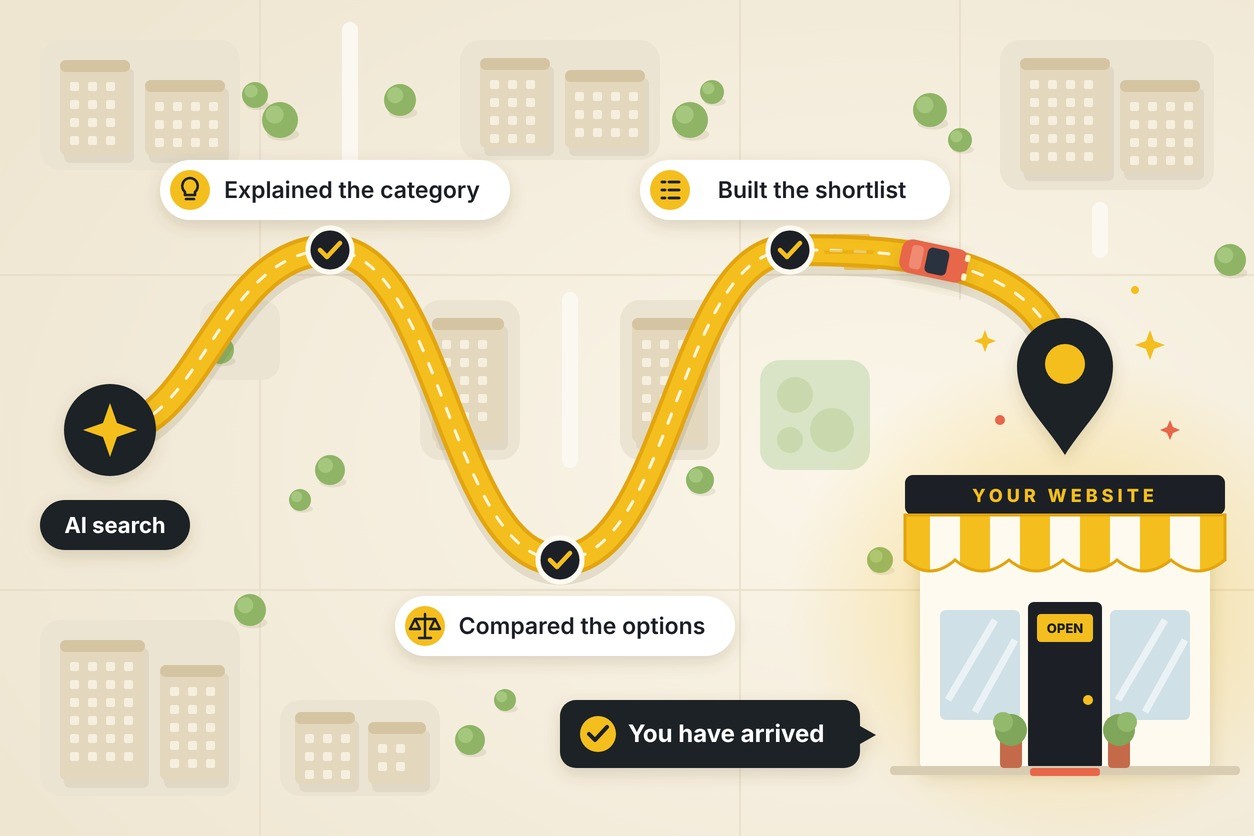
Picture this. A sales prospect spends twenty minutes asking an AI assistant about their problem. It explains the options, weighs the tradeoffs, narrows the field to three companies and names you as one of them. They click. And your page greets them with a hero banner that says “Welcome! Let us tell you what we do.”
That’s the equivalent of a student showing up to the final exam and the professor starting over with day one of the syllabus. They already did the reading. They came for answers.
The AI-referred visitor is a different kind of visitor, and most websites haven’t noticed yet. Here’s who they are, what they expect and exactly which landing pages to build so they don’t leave the moment they arrive.
Who is the AI-referred visitor, and why should you care?
Short answer: It’s a small slice of your traffic today, but it’s the most valuable slice you have. These visitors show up informed, stay longer, dig deeper and buy more often.

Here’s the plot twist. Just over a year ago, in August 2025, Adobe found AI traffic converted 9% worse than other traffic. Now it converts 90% better. AI didn’t just get more popular. It got better at doing your prospect’s homework for them.
And the volume is about to spike. Adobe projects AI traffic to retail sites will jump 159% year over year on Thanksgiving and 95% on Black Friday. And it’s not just a retail story. Seer Interactive’s analysis of ChatGPT referral traffic shows the same high-intent pattern.
The takeaway: your smallest traffic source may already be your most valuable one, visit for visit. That’s not a channel you can afford to send to a generic homepage.
Why does a traditional landing page fail this visitor?
Short answer: Most landing pages are built for the top of the funnel. They introduce, explain and educate. The AI-referred visitor already got all of that inside the chat window. They came to your site for one reason: to verify what they heard and decide.
Think about what happened before the click:
- AI defined the category. No need for your “What is X?” intro.
- AI compared the options. With ChatGPT’s newest interactive answers, a buyer who asks it to compare providers may now get an actual comparison table.
- AI summarized you. Sometimes accurately. Sometimes with outdated pricing or features you dropped two years ago.
- AI put you on a short list. Your page is now competing with two or three other tabs open at the same time.
Now they’re checking the AI’s work, and they don’t take it on faith. In ChatGPT, branded follow-up searches outnumber direct clicks at every recommendation position. Translation: people use the AI’s recommendation as a lead, then go look you up themselves. According to Yext data, only 10% trust the first AI result, while 48% verify answers across multiple platforms.
That verification visit is where most sites drop the ball:
- A hero headline that restates the category instead of stating what makes you different
- Pricing hidden behind “Contact us for a quote”
- Proof (reviews, results, case studies) buried three clicks deep
- A “Learn more” button for someone who has already learned plenty
- Specs, policies and details that contradict what the AI told them
There’s a machine side to this, too. Adobe’s Citation Readability Score found the average U.S. retail homepage is only 63% readable by AI systems. Pages that explain (buying guides, specs, FAQs, return policies) scored highest. Promotional, navigation-heavy layouts scored lowest. The same pages that confuse a skimming human also confuse the AI deciding whether to recommend you.
The takeaway: your AI-referred visitor didn’t come to be introduced. They came to be convinced.
Which landing pages should you build for AI-referred visitors?
Short answer: Build pages that match the questions people ask AI tools near the end of their research: “Which one is best for me?”, “How does X compare to Y?”, “What does it cost?” and “Can I trust them?” Five page types do most of the heavy lifting.
1. The comparison page (“You vs. them” and “Alternatives to X”)
The AI already compared you to your competitors. Your comparison page is your chance to show your work, in your own words, with your own proof. Be honest. A page that claims you win every row reads like an ad, and AI-referred visitors are fact-checkers.
What it needs:
- A side-by-side table on the criteria buyers actually care about (price, features, support, contract terms)
- A clear “best for” statement for you and for each alternative, including where you’re not the best fit
- Switching details: how long it takes, what it costs, who does the work
- One or two short proof points from customers who switched
2. The pricing page that actually shows pricing
“What does it cost?” is one of the first questions people ask an AI. If your site won’t answer it, the AI will guess, or it will recommend a competitor whose pricing it can find. Even businesses with custom quotes can share starting prices, ranges or what drives the cost up or down.
What it needs:
- Real numbers, starting prices or typical ranges
- What’s included at each level, in plain language
- The factors that change the price (size, scope, timeline)
- Answers to the money questions: contracts, setup fees, cancellation, guarantees
- A next step for every budget, not just “Book a demo”
3. The “best for” use-case page
People don’t ask AI for “marketing software.” They ask for “the best marketing software for a 10-person chiropractic practice.” Build pages around specific audiences, industries and problems so both the visitor and the AI can see you’re a match.
What it needs:
- A headline that names the audience and the outcome, not your product category
- The two or three problems that audience has, in their language
- A case study or result from that exact type of customer
- The features, integrations or services that matter most to them, and nothing else
4. The proof page
Remember the verification step? This page is built for it. When someone searches your brand name after an AI recommendation, they want evidence fast. Case studies with real numbers, reviews from third-party sites and recognizable client names do more here than any headline.
What it needs:
- Results stated as numbers, with timeframes (“cut onboarding time 40% in six months”)
- Customer names, logos and photos of real people where you have permission
- Links or embeds from third-party review platforms
- Credentials, certifications, awards and guarantees
5. The fact sheet (your single source of truth)
This is the page you build for the AI and the skeptic at the same time. Product specs, service details, policies, locations, hours and current offers, all in one clearly structured, regularly updated place. When an AI summary gets something wrong about you, this page is how the visitor confirms the truth, and how the AI gets it right next time.
What it needs:
- Specs, features and service details in scannable lists or tables
- Shipping, return, warranty and cancellation policies in plain language
- A visible “last updated” date
- Consistent facts that match your Google Business Profile, review sites and listings
What every AI-ready landing page needs above the fold
Whatever the page type, the first screen should answer the follow-up question the visitor is carrying in their head:
- A specific headline. Who it’s for and what they get, not what category you’re in.
- One fast proof point. A rating, a result or a recognizable customer name.
- A real next step. “See pricing,” “Start free trial,” “Book a 15-minute call” or “Buy now.” Not “Learn more.”
- A path to details. Jump links to pricing, comparisons and FAQs, so a visitor ready to dig can dig.
And don’t forget the basics. A beautifully argued page still loses if it’s slow, cluttered on mobile or hides the button.
How do you know if AI visitors are landing on the right pages?
Short answer: You probably can’t see them clearly yet, so start there. AI traffic hides in your analytics, and a lot of its impact shows up somewhere other than the referral report.
Here’s why it’s tricky. Marketers are seeing ChatGPT strip or drop UTM parameters during redirects, so some AI visits land in “Direct” instead of “Referral.” And because many people search your brand name after an AI recommends you, part of the AI’s influence shows up as branded search, not AI traffic at all.
What to set up:
- A custom AI channel in GA4. Group referrers like chatgpt.com, perplexity.ai, gemini.google.com and copilot.microsoft.com into their own channel so they stop hiding in “Referral” or “Direct.”
- A landing page report for that channel. Which pages do AI visitors actually hit first? If the answer is your homepage or an old blog post, you’ve found your first fix.
- Branded search trends in Search Console. A rise in people searching your company name is often AI visibility working behind the scenes.
- A “How did you hear about us?” field. Add “ChatGPT or another AI tool” as an option. Self-reported data fills gaps analytics can’t.
- Conversion rate by channel, side by side. Compare AI-referred visitors to organic and paid. If AI visitors convert lower than the benchmarks above, the landing page, not the traffic, is usually the problem.
Quick tips for meeting AI visitors where they are
- Ask the AI about yourself. Prompt ChatGPT, Gemini and Perplexity the way your buyers would. Note what they say about you, what they get wrong and which pages they link to.
- Fix the facts first. If an AI has your pricing, services or policies wrong, update your fact sheet page and your listings before you touch anything else.
- Lead with the answer. Put the most important answer near the top of each page, under clear question-style headings. It helps skimmers and AI tools alike.
- Move proof up. Reviews, results and client names belong on the first screen, not in the footer.
- Replace “Learn more” everywhere. Every button should name the next step.
- Get on the lists. AI tools lean on third-party reviews, comparisons and “best of” roundups. Earning placement there is part of your landing page strategy now.
- Get ready for the holidays. If you sell online, AI traffic is forecast to spike around Thanksgiving and Black Friday. Make sure your top product and pricing pages are ready before it does.
FAQ
- What is an AI-referred visitor? Someone who clicks through to your website from an AI tool like ChatGPT, Gemini, Perplexity, Copilot or Google’s AI Mode. They’ve usually already researched the category and compared options inside the chat.
- Is AI traffic big enough to matter yet? By volume, it’s still small, around 1% of all website traffic. By value, it’s one of the strongest channels you have. Adobe found AI-referred retail visitors converted 90% better and generated 83% more revenue per visit than non-AI traffic in September 2026.
- Do I need separate pages just for AI visitors? Not separate, but different. Comparison, pricing, use-case, proof and fact sheet pages serve every late-stage buyer. AI visitors simply arrive at that stage more often, so these pages matter more.
- Why do AI visitors stay longer if they already know so much? Because they’re verifying, not browsing. They check pricing, read reviews, compare details and confirm what the AI told them. A page that makes that easy converts. A page that makes them hunt loses them to the next tab.
- How does this connect to showing up in AI answers in the first place? It’s the same work. Clear, well-organized pages with specific facts, pricing and proof are easier for AI tools to understand and cite, and easier for humans to trust once they arrive.
Your AI-referred visitors did their homework before they ever reached you. If your landing pages are still teaching the intro course, it’s time for an upgrade. Let’s talk. Pineapple Digital helps businesses get recommended in AI search and builds the landing pages that turn those recommendations into customers.